 Back to Blogs
"Should I build on WordPress or get a custom website?" is one of the first questions clients ask me, and it deserves a better answer than "it depends". I build both. I have shipped WordPress sites and custom PHP and Laravel applications, so I have no reason to push you toward one. What I care about is that you do not pay for the wrong thing twice.
In this guide I will compare a custom website and WordPress on the points that actually matter to a business: cost, speed, SEO, security, editing and long term upkeep. Then I will give you the simple checklist I use with clients to decide.
What we are actually comparing
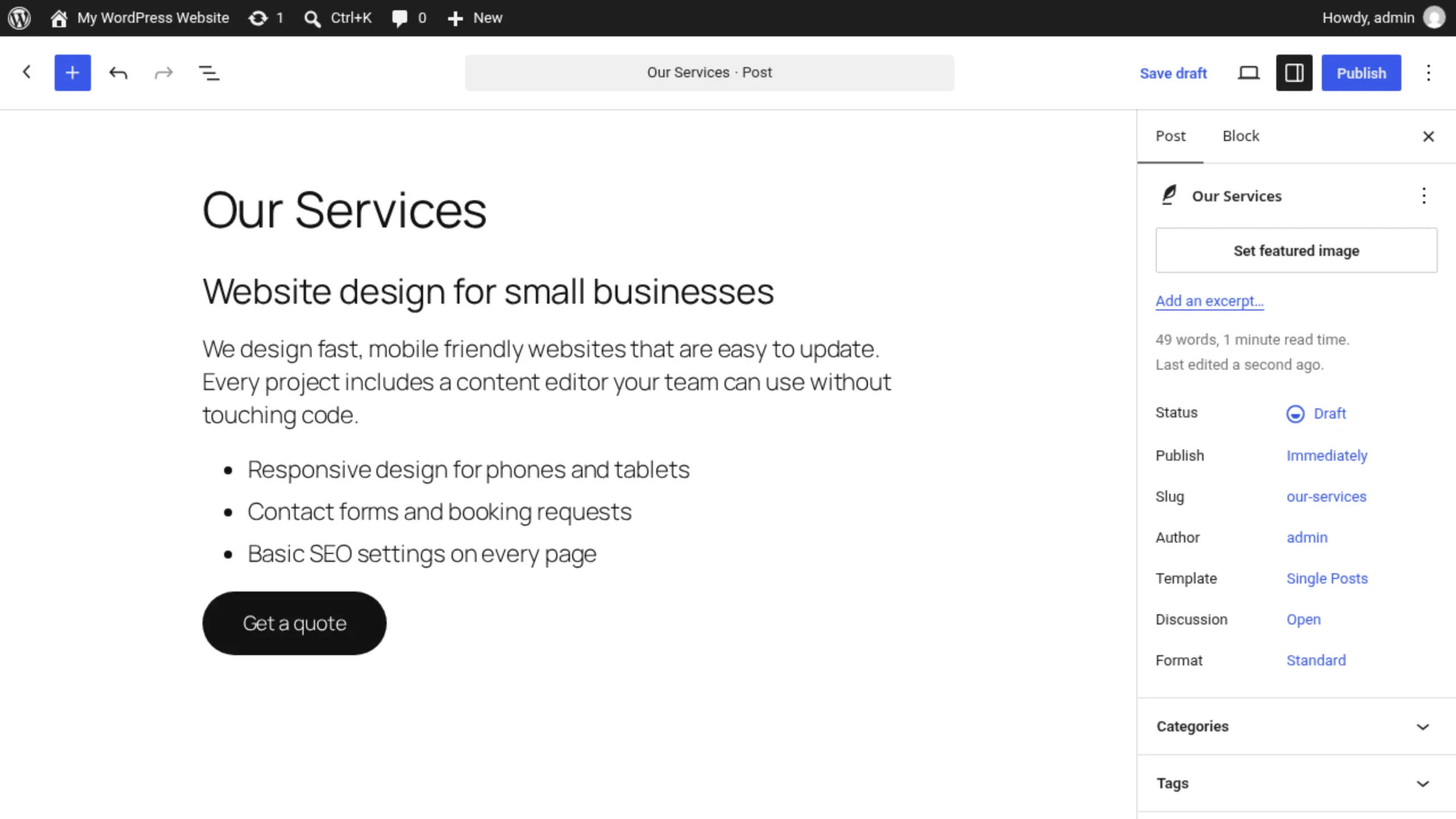
WordPress is a content management system. You get an admin panel, a theme for the design, and plugins for features like forms, SEO, shops and bookings. According to W3Techs, WordPress runs 40.1% of all websites and 58.6% of sites that use a known CMS (October 2026 figures). That popularity is a real advantage: lots of developers, documentation and ready made features.
A custom website means the features are written specifically for your business, usually on a framework. For me that is mostly PHP with Laravel, plus a hand built front end with HTML, CSS and JavaScript or React. A custom site can still have a friendly admin panel. It is just designed around your content instead of being a general purpose one.
So the real question is not "WordPress or code". Both involve code. It is whether your site is mainly content, or mainly a tool your business runs on.
Custom website vs WordPress: side by side
| WordPress | Custom (Laravel) | |
|---|---|---|
| Launch cost | Lower for a standard business site | Higher, because features are built for you |
| Time to launch | Faster with an existing theme and plugins | Longer, depends on scope |
| Content editing | Very flexible block editor | Simple admin built around your content |
| Speed | Fast if built lean, slow with heavy builders and many plugins | Loads only what each page needs |
| Security exposure | Mostly in third party plugins | Less third party code, depends on the developer |
| Custom features | Plugins, which can conflict | Normal application code |
| Maintenance | Core, theme and plugin updates | Framework and server updates, planned upgrades |
Cost
WordPress almost always wins on launch cost for a standard business site. The CMS is free, themes and many plugins exist already, and a developer mostly configures and styles them. A custom build costs more upfront because the admin, page templates and features are built for you.
Over three or four years the picture can change. Premium plugins and themes often have yearly licences, and every update needs testing. A custom site has fewer moving parts to license, but you still need someone to keep the framework and server up to date. Compare the total cost over a few years, not only the first invoice.
Speed and Core Web Vitals
A well built WordPress site can be fast. A WordPress site with a heavy page builder, a slider, three analytics tools and twenty plugins usually is not, because each one can add CSS and JavaScript to every page. A custom site only loads what each page needs, which makes good Core Web Vitals much easier to reach. If speed is a priority, either build WordPress lean from the start or go custom.
SEO
Search engines do not prefer one platform over another. What matters is clean HTML, fast pages, sensible URLs, good titles and descriptions, structured data and, above all, useful content. WordPress makes the basics easy with SEO plugins. On a custom site I build those features in: editable meta titles and descriptions, an XML sitemap, redirects when a URL changes, and canonical tags. Either way, it is the work, not the platform, that ranks.
Security
WordPress core itself is maintained by a large team and is rarely the problem. The risk lives in plugins. In Patchstack's State of WordPress Security in 2026 report, 91% of new vulnerabilities in the WordPress ecosystem were found in plugins, and 46% were not fixed in time for public disclosure. Every plugin you add is code from another team that you depend on.
A custom site has a smaller attack surface because there is less third party code, but it is only as secure as the developer who built it. Laravel gives you strong defaults like CSRF protection, prepared queries and password hashing, but you still need careful code and regular updates.
Editing content
This is where WordPress shines. If your team publishes blog posts weekly, builds new landing pages and wants freeform layouts, the WordPress editor is hard to beat. With a custom site, I design the admin around your content types, so editing is simple and safe (nobody can accidentally break the layout) but less freeform.
Custom features
Bookings with your own rules, customer portals, quotes that pull live prices, integrations with your CRM or accounting software, multi step forms that save progress: WordPress can do some of this with plugins, but it often turns into a stack of add ons that fight each other. In Laravel, features like these are normal application code. Here is a small example of a booking rule that is awkward to express with plugins but simple in code:
// app/Http/Controllers/BookingController.php
public function store(Request $request)
{
    $data = $request->validate([
        'service_id' => ['required', 'exists:services,id'],
        'starts_at'  => ['required', 'date', 'after:now'],
    ]);

    $service = Service::findOrFail($data['service_id']);
    $start   = Carbon::parse($data['starts_at']);
    $end     = $start->copy()->addMinutes($service->duration_minutes);

    // Business rule: no overlapping bookings, plus a 15 minute buffer
    $clash = Booking::where('starts_at', '<', $end->copy()->addMinutes(15))
        ->where('ends_at', '>', $start->copy()->subMinutes(15))
        ->exists();

    if ($clash) {
        return back()->withErrors(['starts_at' => 'That time is taken. Please pick another slot.']);
    }

    Booking::create([...$data, 'ends_at' => $end, 'user_id' => $request->user()->id]);

    return redirect()->route('bookings.index')->with('status', 'Booked!');
}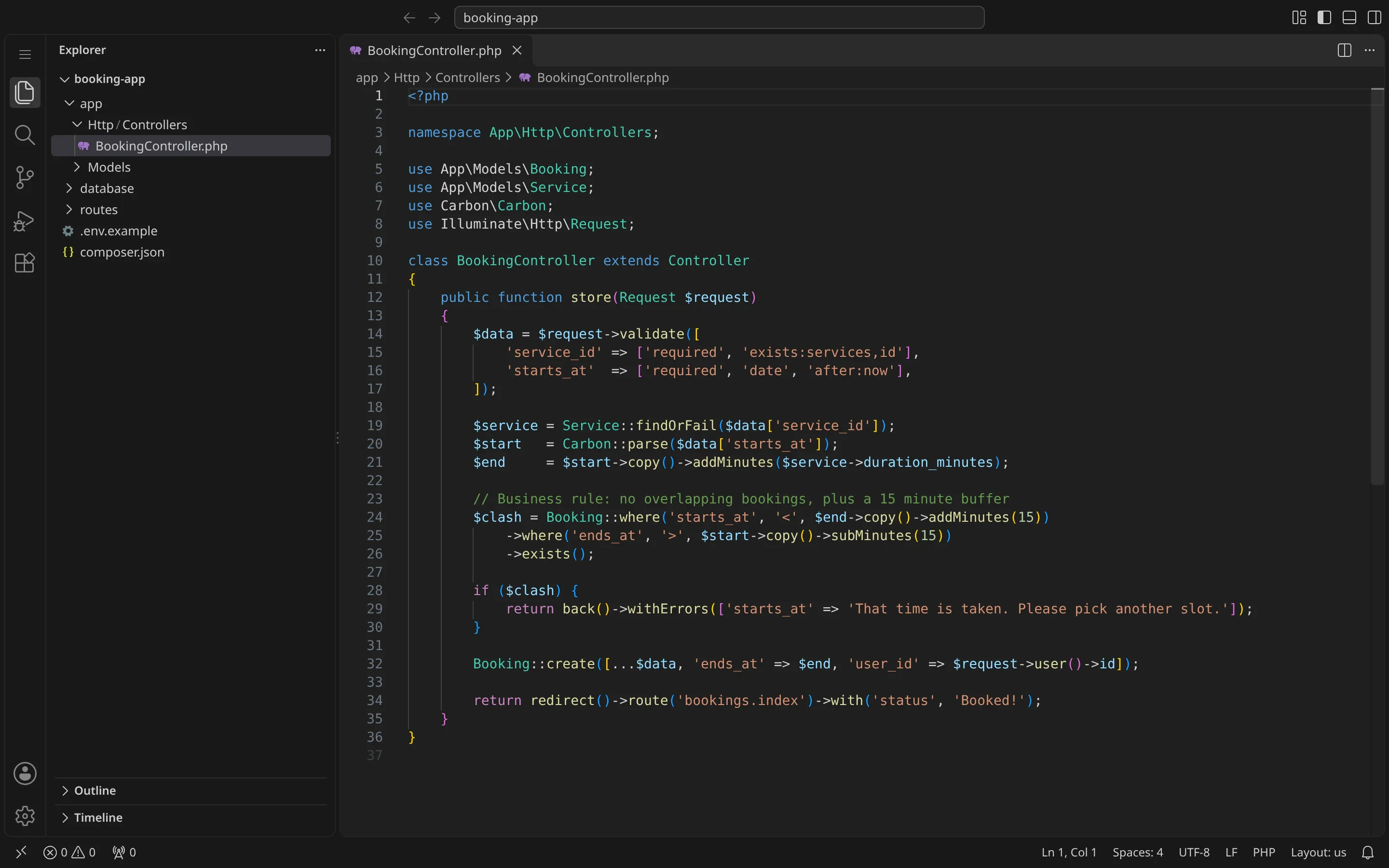
Rules like this are where plugins fall short. In custom code they are a few lines, and they behave exactly the way your business works.
Maintenance
Both need maintenance. WordPress needs core, theme and plugin updates, ideally tested on a staging copy first. Laravel's support policy gives each major release 18 months of bug fixes and two years of security fixes, so a custom Laravel site needs a planned upgrade every couple of years. Neither is "build it and forget it".
When WordPress is the right choice
- Your site is mostly pages and posts: services, about, blog, contact.
- You or your team want to publish and design new pages without a developer.
- You need to launch quickly on a modest budget.
- You want to be able to hand the site to almost any developer later.
When a custom website is the better fit
- The website runs part of your business: bookings, portals, user accounts, quotes or dashboards.
- You need to connect to your own systems or third party APIs in ways plugins do not cover.
- Speed and a very specific design matter, and you do not want plugin bloat.
- You are already paying for and patching a long list of plugins to make WordPress do something it was not built for.
The middle ground
It does not have to be all or nothing. A setup I often recommend uses WordPress for the marketing site and blog, where editors are happy, and a small Laravel app on a subdomain for the part that needs real business logic, like a client portal or booking system. You get easy editing where it matters and solid code where it counts.
Questions to ask any developer before you start
Whichever way you lean, these questions will tell you a lot about the person building your site:
- How many plugins or packages will this use, and why each one? A good answer is short and specific.
- Who owns the code, the hosting account and the domain? It should be you, in writing.
- How will updates be handled after launch? Ask whether changes are tested on a staging copy before they go live.
- What will my team be able to edit without help? Ask to see the admin panel, not just the design.
- How will you protect my current rankings? If you are replacing an existing site, there should be a redirect plan for every important URL.
If a developer cannot answer these clearly, the platform is the least of your worries.
FAQ
Is a custom website better for SEO than WordPress?
Not automatically. Both can rank well. A custom site makes it easier to keep pages fast and the HTML clean, while WordPress makes basic SEO settings easy for non developers. Content and technical quality matter far more than the platform.
Is Laravel more secure than WordPress?
Laravel has strong security features built in and less third party code, which reduces risk. But a badly written custom app can be less secure than a well maintained WordPress site. The developer and the maintenance matter most.
Can I move from WordPress to a custom site later?
Yes. Your content can be exported and imported, and old URLs can be redirected with 301 redirects so you keep your rankings. Planning those redirects carefully is the most important part of any migration.
Which is cheaper in the long run?
For a simple content site, usually WordPress. For a site with custom features that would otherwise need many paid plugins and workarounds, a custom build is often cheaper over a few years.
Not sure which one you need?
Tell me what your website has to do, who will update it, and what you are working with today. I will give you an honest recommendation, even if that means the simpler and cheaper option. Get in touch here and I will reply with a clear plan for your project.